Creating a backup policy
Module: Endpoint Backup v2 
Backup policies let you set backup schedules, file-level inclusions and exclusions, retention, and alerting.
Navigate to policy management
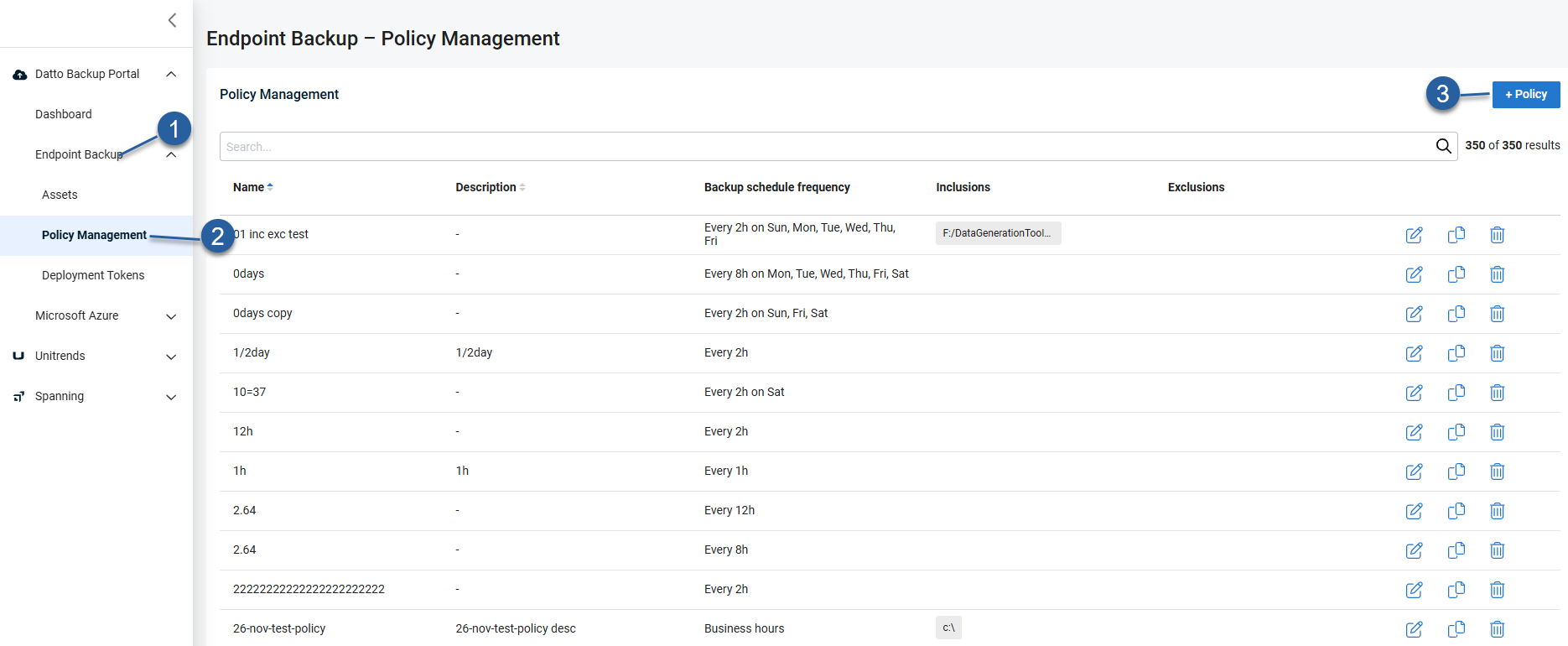
Go to Endpoint Backup > Policy Management.
Select + Policy and use the provided smart defaults or customize the policy according to your requirements.
Policy configuration options
Backup schedule: All backups run on a schedule.
Choose from a continuous interval, business hours (default every two hours from 8 AM-6 PM based on the local time of the asset), or custom schedules.
Continuous interval schedules always run at the interval you select.
Custom schedules run at the frequency you select within the days and times you specify.
For example, if you set Frequency to "Every 24 hours", then select on Sunday and set the Start Time to 8:00 AM and the End Time to 9:00 AM, the backup will run one time on Sunday during that window.
NOTE There are some limitations on how custom backup schedules can be configured.
For example, you cannot select more than one option.
You cannot set up your asset to backup from 8 AM - 12 PM, and then also 4 PM - 8 PM.
Retention settings: Retention can be customized to 90 days, 1 year, 3 years, or 7 years.
Please review the retention page before configuring retention.
Throttling: Enable throttling to control network usage during business hours or configure custom schedules.
Data selection: Use inclusion and exclusion settings to control what gets backed up (e.g., user profiles, application data, entire volumes).
Alerting thresholds: Override default alerts based on backup status, time since last successful backup, etc.
Pause agent on metered connections - Automatically pause backup when a device is on a metered connection (e.g., cellular data, mobile hotspots).
Selective backup: Select the check box to enable.
Learn more about Selective inclusion and exclusion.
IMPORTANT Before you configure Selective Backup, read about how inclusion restricts backups.


