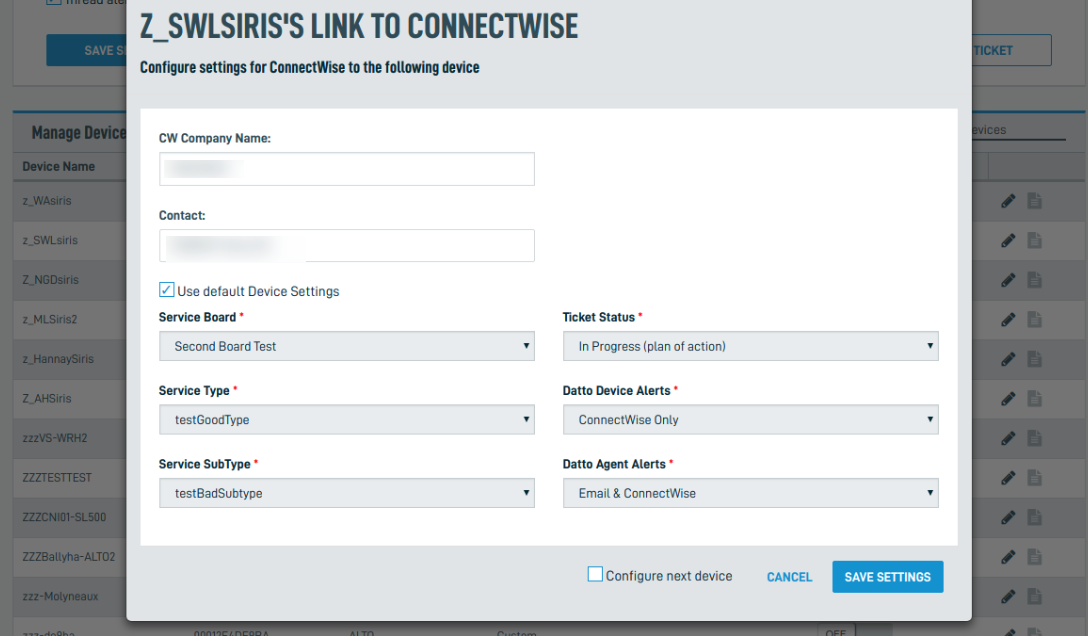
Searching for devices in the ConnectWise integration
You can search your fleet of devices within the ConnectWise Integration to quickly configure individual devices without scrolling through multiple pages.
Environment 
- Datto ALTO
- Datto SIRIS
- ConnectWise
Navigation
In the Datto Partner Portal, click the Admin tab, then select Integrations from the drop-down menu.
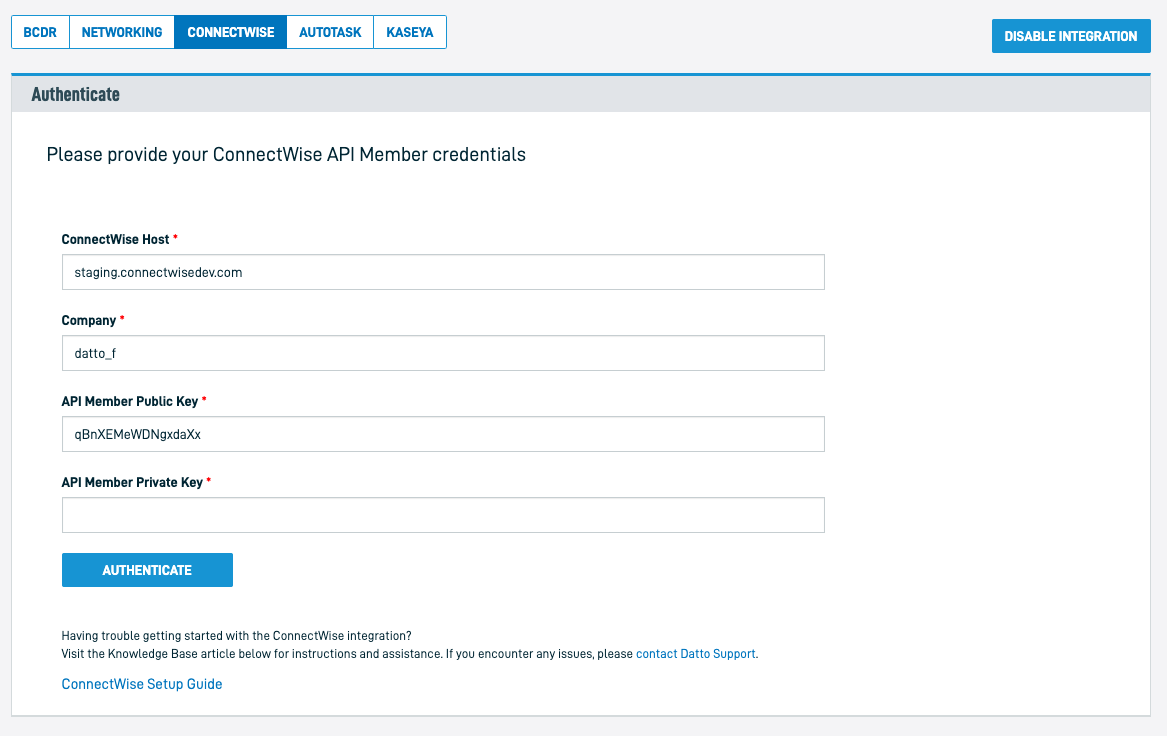
Select ConnectWise as the integration type, then authenticate with your ConnectWise API Member credentials.
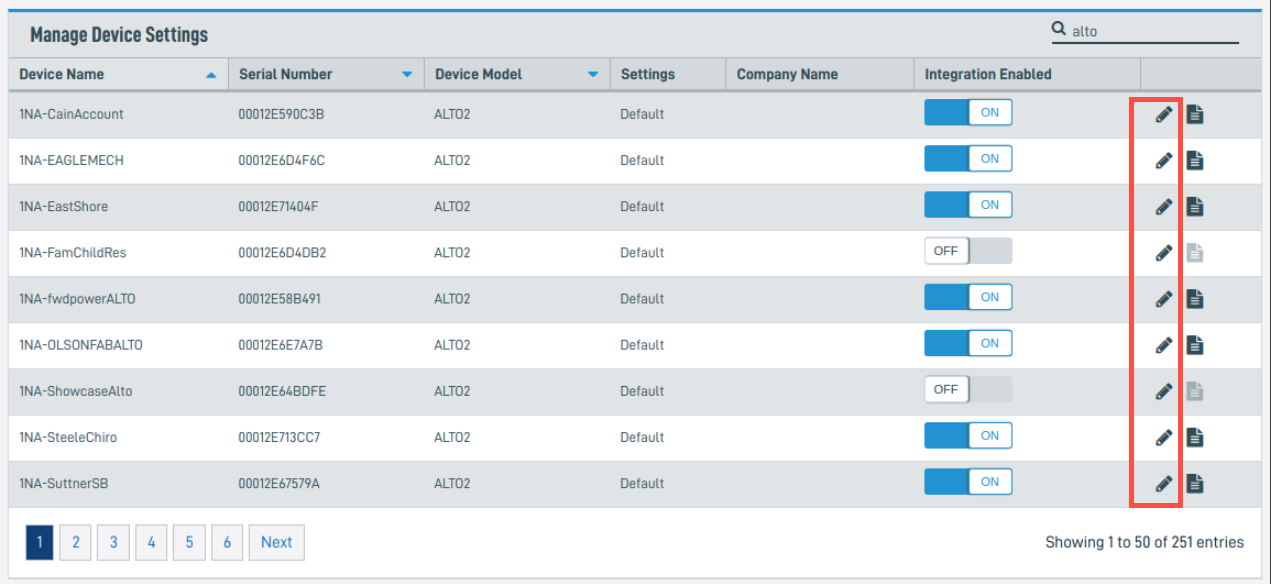
Click Manage Device Settings, then search for your device in the Device Search field. You can search for devices by:
- Device name
- Serial number
- Device model
- Device Settings
- ConnectWise Company Name

Click the pencil icon to edit the device's configuration.
You can now edit the item. When finished, click the Save Settings button.